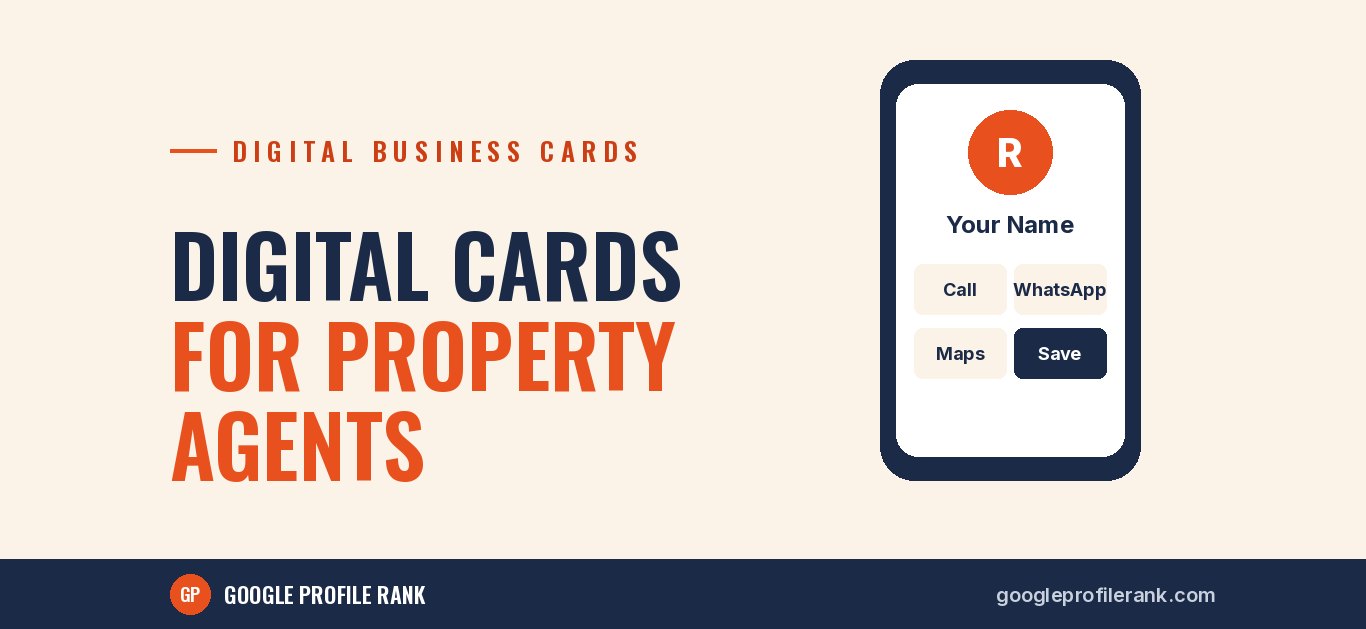
Think about how a typical property buyer searches. They visit several sites in a weekend, talk to several agents and dealers, collect a pocketful of paper cards, and by Monday can't remember whose card is whose. When they are finally ready to decide, they call the agent whose number they can find. A digital business card helps make sure that is you.
Why it suits real estate especially well
- You meet people on the move: at sites, in cars, at registry offices, at exhibitions. Paper cards get lost.
- Buyers take time. A decision can take weeks or months, so your details need to stay in their phone.
- You need to share more than a number: your office location, current projects, your website or listings page, and WhatsApp.
- Trust matters. A professional card with your photo, office address and reviews link helps a buyer feel confident before handing over documents or a token amount.
What to put on it
- Your name, photo and role, such as "Property Consultant" or "Director".
- Your firm's name and logo.
- One-tap call and WhatsApp buttons.
- Your office address with a Google Maps directions link.
- A link to your website or a page with your current listings.
- A link to your Google reviews, so buyers can see what past clients said.
- The areas you specialise in, in one line.
- Your registration number under your state's real estate regulator, if you are a registered agent, shown exactly as registered.
- A "Save contact" button.
What to leave off
- Long lists of every project you have ever handled. Link to a page instead.
- Claims you can't support, such as "guaranteed returns" or "best rates in the city".
- Prices that will be out of date next month.
- Several phone numbers. One main number is easier to save and call.
How to use it day to day
- After every enquiry call, send your card on WhatsApp with a short message: "Thank you for calling. Here are my details. Save them for when you'd like to visit."
- At site visits, show a QR code on your phone or tap an NFC card, and ask the buyer to save the contact before they leave.
- In property exhibitions, put a QR code on your stall standee.
- Add the link to your email signature, WhatsApp Business profile and social media bios.
- On brochures and printed material, include a small QR code to the card.
Keep it updated
The big advantage over paper is that a digital card can be updated without reprinting. If you move office, change your number or add a new project page, update the card and everyone who saved the link sees the new details. Make it a habit to check it whenever something changes.
Pair it with your Google Business Profile
Buyers who receive your card will often search your name or firm on Google before calling. Make sure your Google Business Profile shows the same name, address and phone number as your card, with recent photos of your office and genuine client reviews. Consistent details across your card, profile and website make you look established and easy to trust.
In real estate, the agent who is easiest to find again often gets the call when the buyer is finally ready.
Get your digital card
Our digital business card includes one-tap call and WhatsApp, maps, links to your listings and reviews, a save-contact button and a QR code, all in your branding. Message us on WhatsApp to see a live sample.