In most local businesses, the owner is not the person the customer spends time with. It is the receptionist, the stylist, the trainer, the waiter, the technician or the delivery person. They are there at the moment the customer is happiest, and they are the ones the customer is most comfortable talking to. That makes them the best people to ask for a Google review, as long as they have an easy way to do it.
Why one card at the counter is not enough
A single NFC review card at the billing desk works well for businesses where every customer passes the counter. But many don't:
- Home services and repair technicians finish the job at the customer's home.
- Real estate agents close deals at the site or the registry office.
- Trainers finish sessions on the gym floor.
- Waiters serve at the table, not at the cash counter.
- Delivery staff hand over orders at the door.
Giving key staff their own card means the request can happen wherever the good moment happens.
How to roll it out
- Pick the roles that spend the most time with customers.
- Give each person a card, ideally with the business branding and a QR code on the back as a backup.
- Show them how it works. Let each person tap the card with their own phone and see the review page open.
- Agree on a simple, natural line to use.
- Remind them once a week in the team meeting, and share the nice reviews that mention staff by name.
What staff should say
Keep it short, polite and the same for every customer:
"Thank you for coming in. If you have a minute, we'd really appreciate an honest Google review. You can just tap your phone here."
Teach staff to accept a "no" or "later" gracefully. A smile and "No problem, thank you!" leaves a better impression than pushing.
Staying within Google's rules
- Ask everyone the same way. Staff should not choose to ask only customers who seem happy.
- No rewards for customers. No discounts, free add-ons or gifts in exchange for a review.
- No pressure. Staff should not stand over customers, watch them write, or ask them to give five stars.
- Staff must not write reviews themselves. Employees reviewing their own workplace is a conflict of interest under Google's policies.
- Be careful with staff targets. Encouraging the team to ask is fine. Pressuring staff to hit a review count can push them towards the behaviours above.
Practical tips
- Use a lanyard, card holder or phone cover so the card is always at hand.
- Keep a few spare cards, because they will get lost.
- Check the cards every few weeks by tapping them yourself to make sure they still open the right page.
- If a staff member leaves, collect their card. If the cards can be re-linked, you can reuse it.
Recognise good service
When customers mention a staff member by name in a review, share it with the team. Being appreciated in public is a strong motivator, and it keeps the habit of asking alive without any need for pressure.
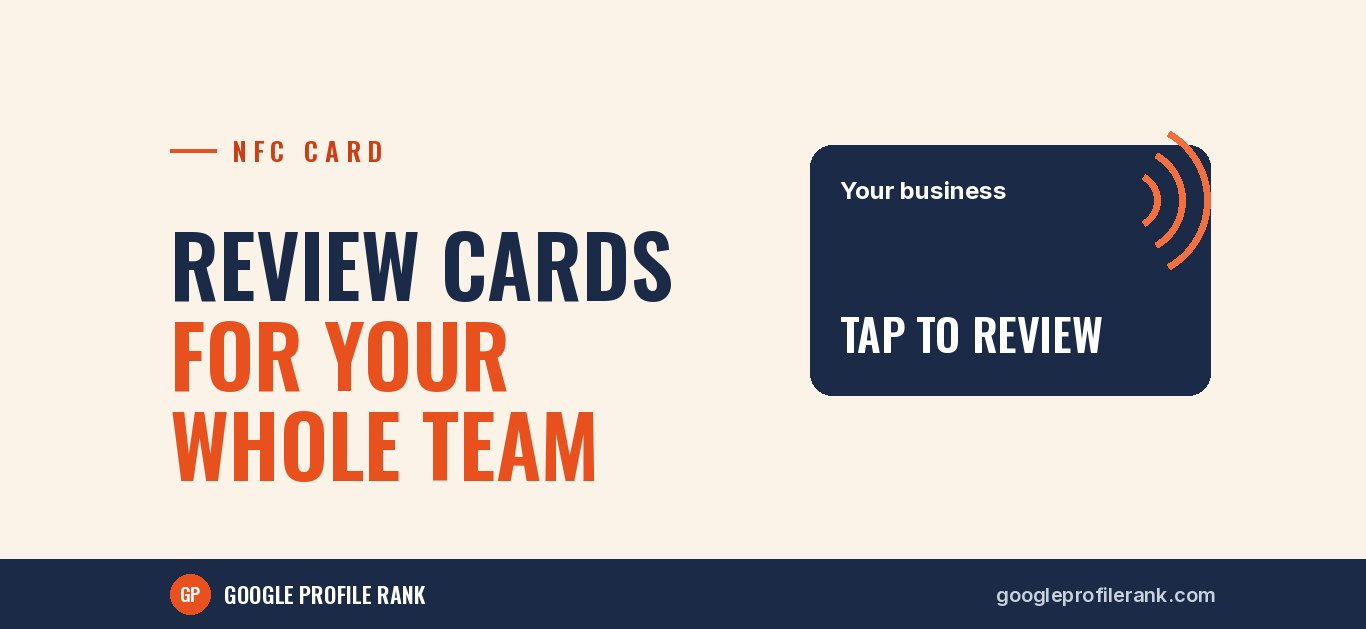
Cards for your whole team
Our NFC review cards are printed in your branding, include a QR code backup and can be re-linked any time, so you can order one for each team member. Message us on WhatsApp for team card options.