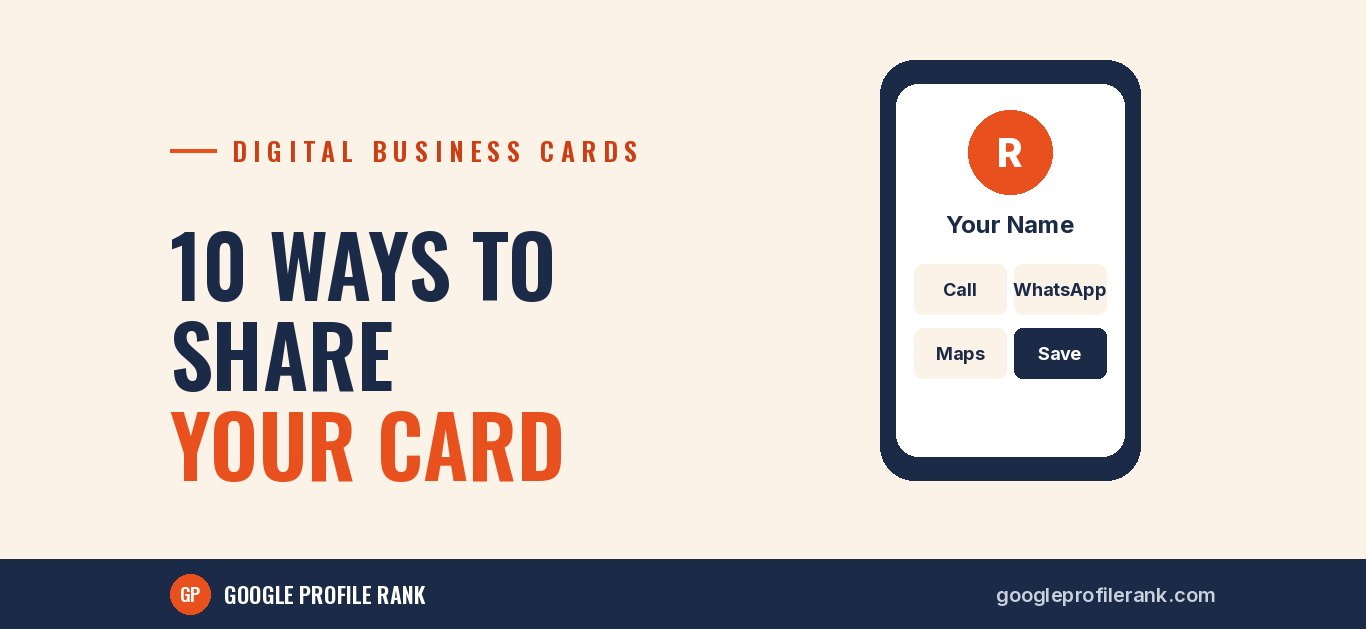
Getting a digital business card made is the easy part. The real question is how it reaches people, and whether they save it. A card that lives only on your own phone does nothing. Here are ten practical ways to put it in front of customers, suppliers and contacts.
1. WhatsApp, after every new conversation
When a new customer messages you, reply to their query and then send your card link with a short line: "Here are all our details in one place. Save it for next time." You can also save it as a quick reply in WhatsApp Business so it takes one tap.
2. Your WhatsApp Business profile
Add the card link to your WhatsApp Business profile, in the website or description field. Anyone who taps your profile can open it.
3. A QR code at your counter
Print a QR code that opens your card and place it at the billing counter or reception. Add a simple line: "Scan to save our number." This is useful for walk-in customers who want your contact but don't want to ask.
4. An NFC card in your pocket
An NFC card can open your digital card when someone taps it with their phone. It is handy at events, site visits and meetings, where scanning or typing feels clumsy. Keep a QR code on the back for phones that don't read NFC.
5. Your email signature
Add a line under your name: "View my digital card" with the link. Every email you send then carries all your details.
6. Your social media bios
Put the link in your Instagram and Facebook bio, or as one of the links in your link list. Followers looking for your phone number or location find it immediately.
7. Printed material you already use
Bills, appointment slips, packaging, flyers and visiting cards can all carry a small QR code to your digital card. It costs nothing extra if you add it the next time you reprint.
8. Festive greetings
The festive season is when people exchange messages with almost everyone in their phone. When you send Dussehra or Diwali wishes to customers who have agreed to hear from you, add your card link at the end. It is a natural, non-pushy moment to share it.
9. At events, exhibitions and networking meets
Instead of running out of paper cards, show a QR code on your phone screen or tap an NFC card. Ask people to save your contact while you are still talking, because once they walk away it often doesn't happen.
10. Ask people to save it
This sounds obvious, but it is the step most people skip. A good digital card has a "Save contact" button that adds your details straight into the phone's contacts. Point it out: "Tap Save contact at the top, then you'll have our number whenever you need it." A saved contact also shows your name when you call or message, instead of an unknown number.
Make sure the card is worth sharing
- One-tap call and WhatsApp buttons.
- Your address with a link to directions on Google Maps.
- Links to your website, Google reviews and social pages.
- A photo or logo, so people recognise you.
- Up-to-date details. Old numbers are worse than none.
A note on privacy
Only message people who have contacted you or agreed to hear from you. Bulk-messaging strangers annoys people and can get your WhatsApp number restricted.
Get a card worth sharing
Our digital business card comes with one-tap call and WhatsApp, maps, social links, a save-contact button and a QR code, designed in your branding. Message us on WhatsApp to see a live sample.